mfe-app-main(Host 앱) 환경구성
React 프로젝트 생성
- React 애플리케이션 기본 프로젝트 생성 가이드를 참조하여 프로젝트를 생성합니다.
mfe-app-remote1 앱 연결을 위한 설정
-
vite.config.ts수정remotes설정 부분에remote1App설정을 추가합니다.
export default defineConfig(({ mode }) => {
    const env = loadEnv(mode, process.cwd(), '');

    return {
        plugins: [
            react(),
            tailwindcss(), // ← 추가
            federation({
                name: 'mainApp',
                remotes: {
                    remote1App: {
                        name: 'remote1App',
                        entry: env.VITE_REMOTE_REMOTE1_URL || 'http://localhost:5174/remote1Entry.js', // highlight-end
                        type: 'module',
                    },
                },
                shared: {
                    react: { singleton: true, requiredVersion: '^19.0.0' },
                    'react-dom': { singleton: true, requiredVersion: '^19.0.0' },
                    'react-router': { singleton: true, requiredVersion: '^7.0.0' },
                },
            }),
        ],
        resolve: {
            alias: {
                '@': resolve(__dirname, 'src'),
            },
        },
        server: {
            port: 5173,
        },
    };
}); -
Remote 모듈 타입 선언
src/types/federation.d.ts타입 파일을 생성하여 다음과 같이 Remote 모듈에 대한 TypeScript 타입 선언을 추가합니다.- 이 선언이 필요한 이유:
MFE 환경에서import('remote1App/Remote1App')와 같이 원격 모듈을 타입스크립트에서 사용하려면, 실제 소스 코드 없이도 해당 모듈이 React 컴포넌트임을 타입 단에서 알려줄 필요가 있습니다.
타입 선언이 없으면 타입스크립트가 '모듈을 찾을 수 없다'는 에러를 발생시키므로, 아래와 같이 명시적으로 모듈 선언을 추가해줍니다.
declare module 'remote1App/Remote1App' {
    const Remote1App: React.ComponentType;
    export default Remote1App;
} -
src/shared/router/index.tsx수정- React.lazy + Suspense로 remote 컴포넌트를 비동기 로드하고
/remote1/*라우트 추가
import { Remote1App } from './remoteComponents';

const routes: TAppRoute[] = [
    {
        path: '/remote1/*',
        element: <Remote1App />,
    },
];remoteComponents.tsx파일 생성 - 이 파일은 여러 remote 컴포넌트를 모아서 불러오는 파일입니다. 현재는 Remote1App 컴포넌트만 있는데 추후 추가될 컴포넌트들도 이 파일에 추가합니다.
import { Suspense, lazy } from 'react';
import RemoteOfflineFallback from '@/shared/components/common/RemoteOfflineFallback';

const Remote1AppLazy = lazy(() =>
    import('remote1App/Remote1App').catch(() => ({
        default: () => <RemoteOfflineFallback appName="Remote1" />,
    })),
);

export const Remote1App = () => (
    <Suspense fallback={<div>Loading Remote1...</div>}>
        <Remote1AppLazy />
    </Suspense>
); - React.lazy + Suspense로 remote 컴포넌트를 비동기 로드하고
Host 앱에서 Remote 앱 로드
- Remote1 앱이 Host 앱에서 로드가 되려면 앞서 생성한 Remote1 앱을 띄워야합니다.
# Remote1 앱 루트에서 localhost:5174 포트로 띄웁니다.
npm run dev - Host 앱을 통해 Remote 앱을 로드해봅니다. 우선 Host 앱을 띄웁니다.
# Host 앱 루트에서 localhost:5173 포트로 띄웁니다.
npm run dev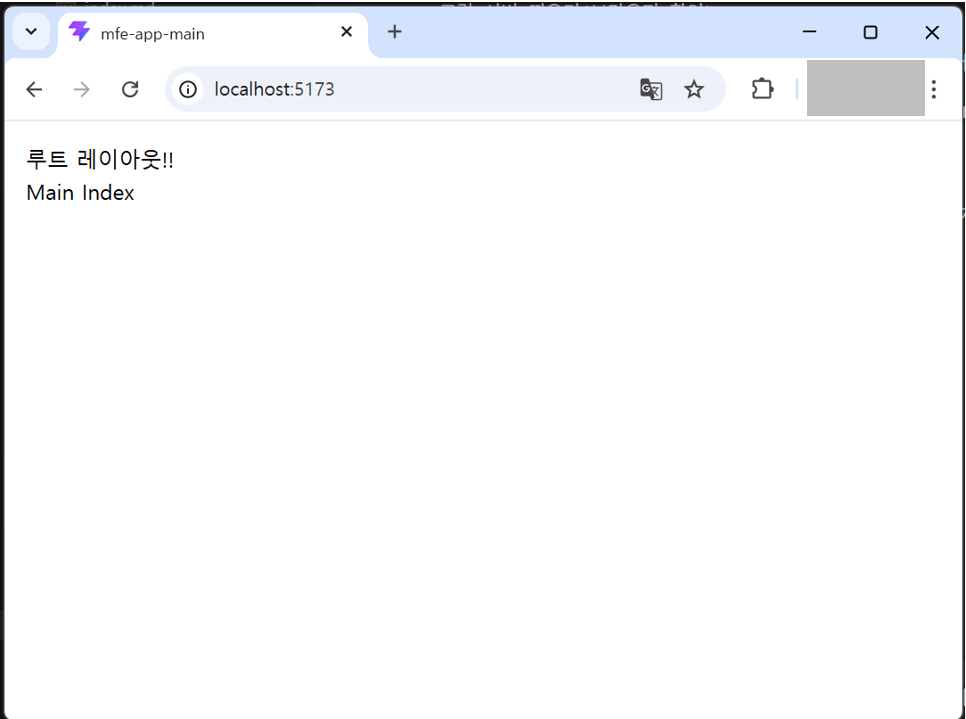
- 브라우저 Host 앱 메인화면에서
/remote1경로로 이동해봅니다. 이상없이 이동되는것을 볼 수 있습니다.- URL 경로를 보면 Host 앱(localhost:5173)에서 Remote 앱(localhost:5174)에 있는 라우트
/remote1/*경로로 이동되는것을 볼 수 있습니다.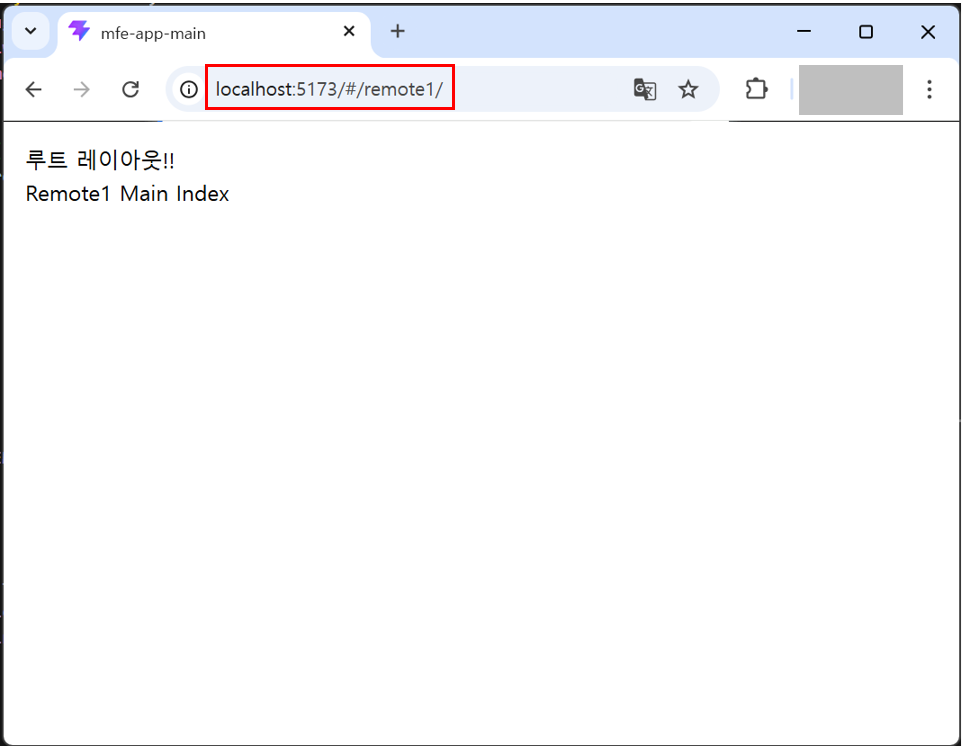
- URL 경로를 보면 Host 앱(localhost:5173)에서 Remote 앱(localhost:5174)에 있는 라우트
루트 레이아웃 구성
- 디자인, 퍼블리싱 영역이며, 기본으로 제공할 루트 레이아웃을 구성합니다. 추후 개발 사이트에서 해당 레이아웃에 맞춰 컴포넌트를 추가하거나 수정하여 사용하면 됩니다.
- 레이아웃에 관련되 파일의
shared폴더의components/layout,context,config폴더를 생성하였습니다.Bootstrap.tsx파일에는 ThemeProvider Provider를 추가하였습니다.src/
├── shared/
│ ├── components/
│ │ └── layout/
│ │ ├── common/
│ │ │ ├── GithubLinkButton.tsx
│ │ │ └── ThemeToggleButton.tsx
│ │ ├── AppHeader.tsx
│ │ ├── AppSidebar.tsx
│ │ ├── Backdrop.tsx
│ │ ├── LayoutContent.tsx
│ │ └── RootLayout.tsx
│ ├── context/
│ │ └── layout/
│ │ └── SidebarContext.tsx
│ └── config/
│ └── navigation.tsx
├── Bootstrap.tsx src/assets/styles/app.css파일에 스타일 적용.- 모든 디자인 토큰, 레이아웃 스타일은 공유 라이브러리(
mfe-lib-shared)에서 제공하는 스타일을 사용합니다.
- 모든 디자인 토큰, 레이아웃 스타일은 공유 라이브러리(
Host 앱(mfe-app-main)에 $router 등록
$router객체는 공유 라이브러리인mfe-lib-shared에 이미 구현되어 있습니다. 따라서 Host 앱(mfe-app-main)에서는 공유 라이브러리에서 제공하는$router객체를 등록하여 바로 사용할 수 있습니다.- mfe-app-main 앱는 react-router 라이브러리를 최초 등록되는 Provider 가 있습니다. 이 Provider를 등록하는 파일
src/core/router/index.ts파일에 다음과 같이$router객체를 등록합니다.
import { registerWindowRouter } from '@axiom/mfe-lib-shared/utils';

registerWindowRouter(router);- mfe-app-main 앱는 react-router 라이브러리를 최초 등록되는 Provider 가 있습니다. 이 Provider를 등록하는 파일
- 이제 Host 앱에서
$router객체를 사용할 수 있습니다.// 페이지 이동
$router.push('/');
// 페이지 교체
$router.replace('/');
// 페이지 뒤로가기
$router.back();